Personal learning workspace / Django
StudyOS
A nursing study library is more useful when it becomes a place you can navigate, search, and return to.
MY ROLE Built and documented the application · CONTEXT Personal study tool
01 THE PROBLEM
Study material needed a working surface.
I built StudyOS for my own nursing coursework. The material already existed as a subject and file library; the gap was a working surface for browsing it on a laptop or phone on the same local network, and a place to keep notes and study activity alongside it.
02 WHAT I BUILT
A catalog, a reader, and a study layer.
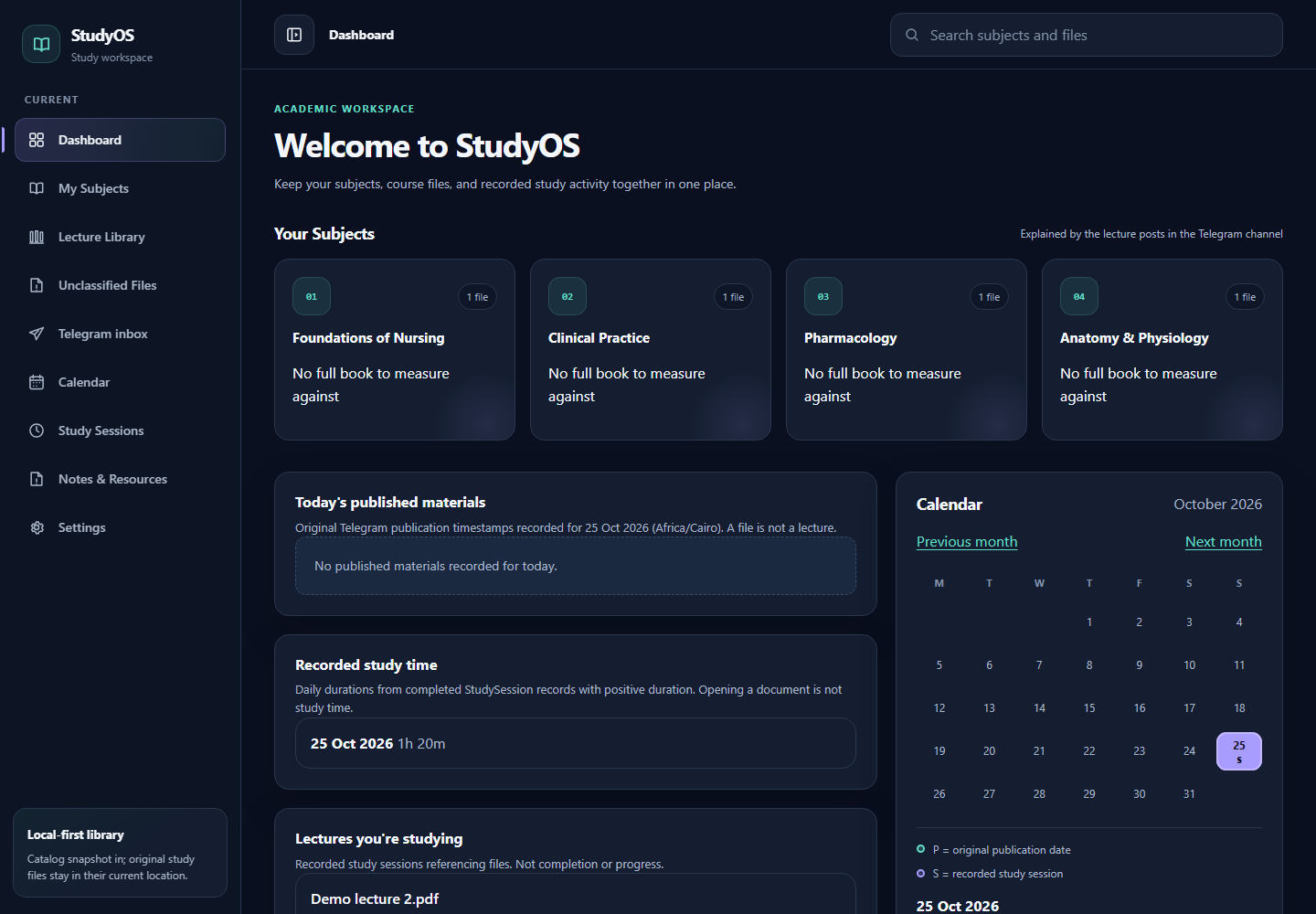
The Django site turns the library into a browsable catalog: subjects and units, search across file and subject names, and document streaming for reading. Around that catalog sit the study tools: notes, bookmarks, progress, a study calendar, session records, and lecture workspaces that collect sources and mind maps.
- Browse subjects, units, and library files
- Search by file or subject name, then open the document
- Keep notes, bookmarks, progress, and session history
- Group related material into lecture and topic workspaces
03 ENGINEERING DECISION
Keep the source library read-only. Own only the study layer.
The website imports a catalog snapshot into its own SQLite database. Original study files remain read-only in their existing location; the site streams them rather than copying them into the database. That boundary keeps notes, progress, and bookmarks in the application while the documents stay in their existing library.
It is a deliberate trade-off: the application owns navigation and study state, not the files themselves.
IMPLEMENTATION Django · server-rendered HTML · SQLite · local-first file access
04 INTERFACE RECORD
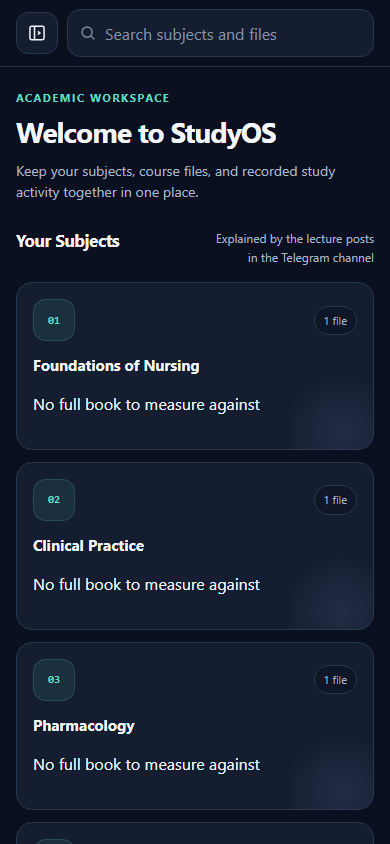
Captured from the working application.
These are actual screens from StudyOS, populated with fictional sample data for the portfolio. They document the browsing and study surfaces described above; the point is the workflow and the catalog boundary behind them, not the surface styling.